Posts for: #Linux

How to Fix “Low Disk Space on /boot” on Linux

One day, you power up your computer, wait for Linux to boot, log in… and this message pops up:

low space disk on boot

You might decide to ignore it, or you might think this is an issue worth looking into. And you’d be right!

However, clicking “Examine” doesn’t really tell you how to fix the issue. It “just” shows you the disk usage analysis of the /boot partition:
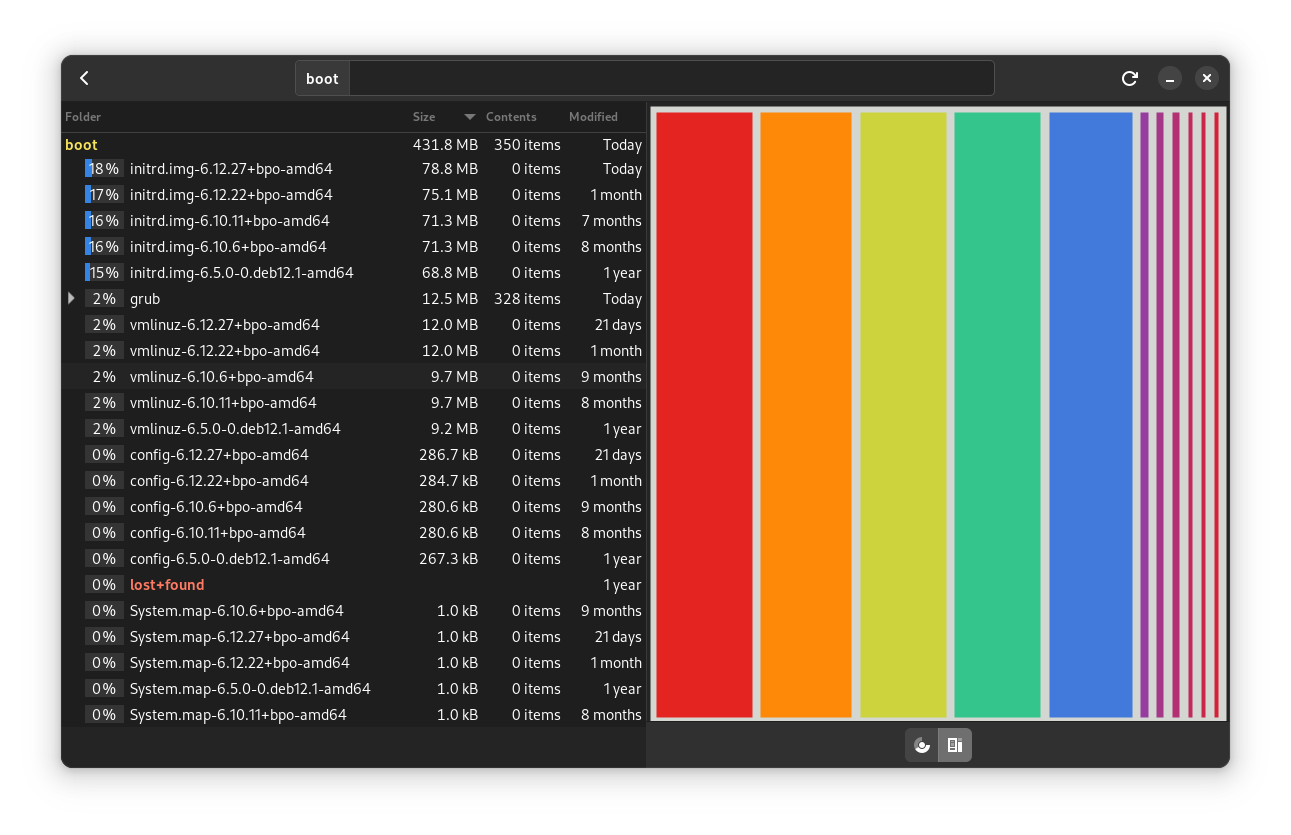
disk usage analyzer before cleanup

[Read more...]

Manually Install WiFi Drivers on Linux

Manually Install WiFi Drivers on Linux

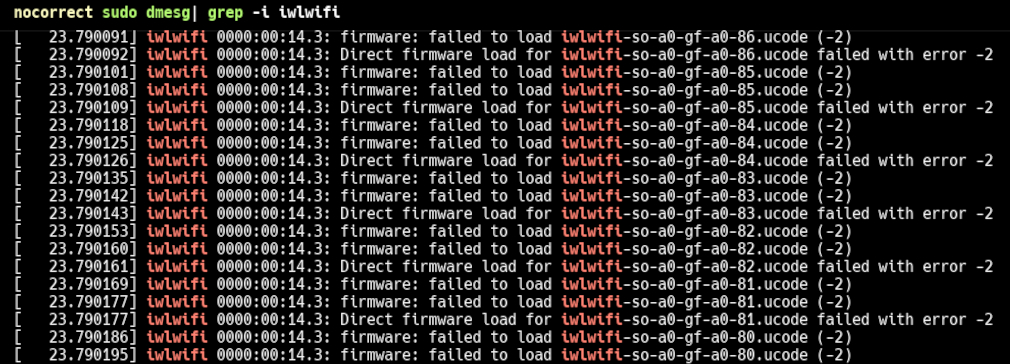
On December 24th, 2024, Debian had a gift for me: it installed Linux kernel 6.11.10, and suddenly the WiFi module of my laptop stopped working. I quickly found a workaround (selecting an older kernel with GRUB during boot) and hoped that the problem would be fixed by the next kernel update or by a firmware update from my laptop’s manufacturer. Sadly, kernel 6.12 arrived and nothing changed. I finally took some time to really investigate the issue.

[Read more...]

Resizing Partitions on Linux

Sometimes, you need to resize your partitions on Linux. And this may not be as easy as you think…

When I installed Debian on my work computer a few months ago, the wizard suggested creating 2 separate partitions: one for root (with the OS itself), another for home (with my personal data). Alas! The suggested sizes (that I naively accepted) were highly unsuitable and a month later, the root partition (only 40 Go) was full. I had to resize them. It turns out that now, 5 months later, the home is full (I really generate a lot of data for my current project). It’s time to resize my partitions again but this time I will keep track of the entire procedure in this article. Who knows when I will have to resize them one more time…

[Read more...]

Just in case: Debian Bookworm comes with a buggy GCC

Last month, I embarked on a new project. I set up a new computer with the latest Debian version, installed my favorites tools, and was all set to code. My first task was to migrate all the repositories from C++14 to C++20. While it might seem as straightforward as updating all the CMakeLists.txt to replace set (CMAKE_CXX_STANDARD 14) with set (CMAKE_CXX_STANDARD 20) reality proved otherwise (and I knew it would).

[Read more...]